جدول المحتويات
Sub Accounts Groups
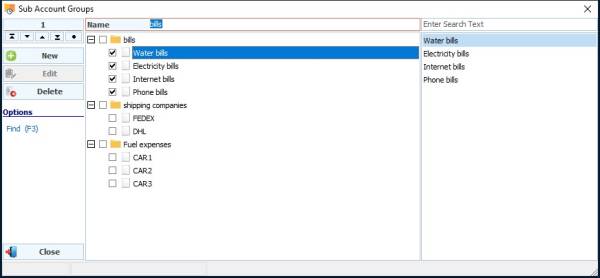
Grouping specific sub accounts into a special group for later use in account cards and reports (the account can be placed in more than one group). The account groups are accessed from the “Accounting - Cards - Sub Account Groups” menu, and to add a new group, press the New button and then write the name of the group then choose the accounts that will be subordinate to this group (the selected accounts will appear on the left side of the account groups screen Click on Save to store the collection.